> For the complete documentation index, see [llms.txt](https://docs.fly.trade/llms.txt). Markdown versions of documentation pages are available by appending `.md` to page URLs; this page is available as [Markdown](https://docs.fly.trade/flycn/guides/transaction-history.md).
# Transaction History
This section shows you how to check your wallet's transaction history through the fly.trade Sidebar.
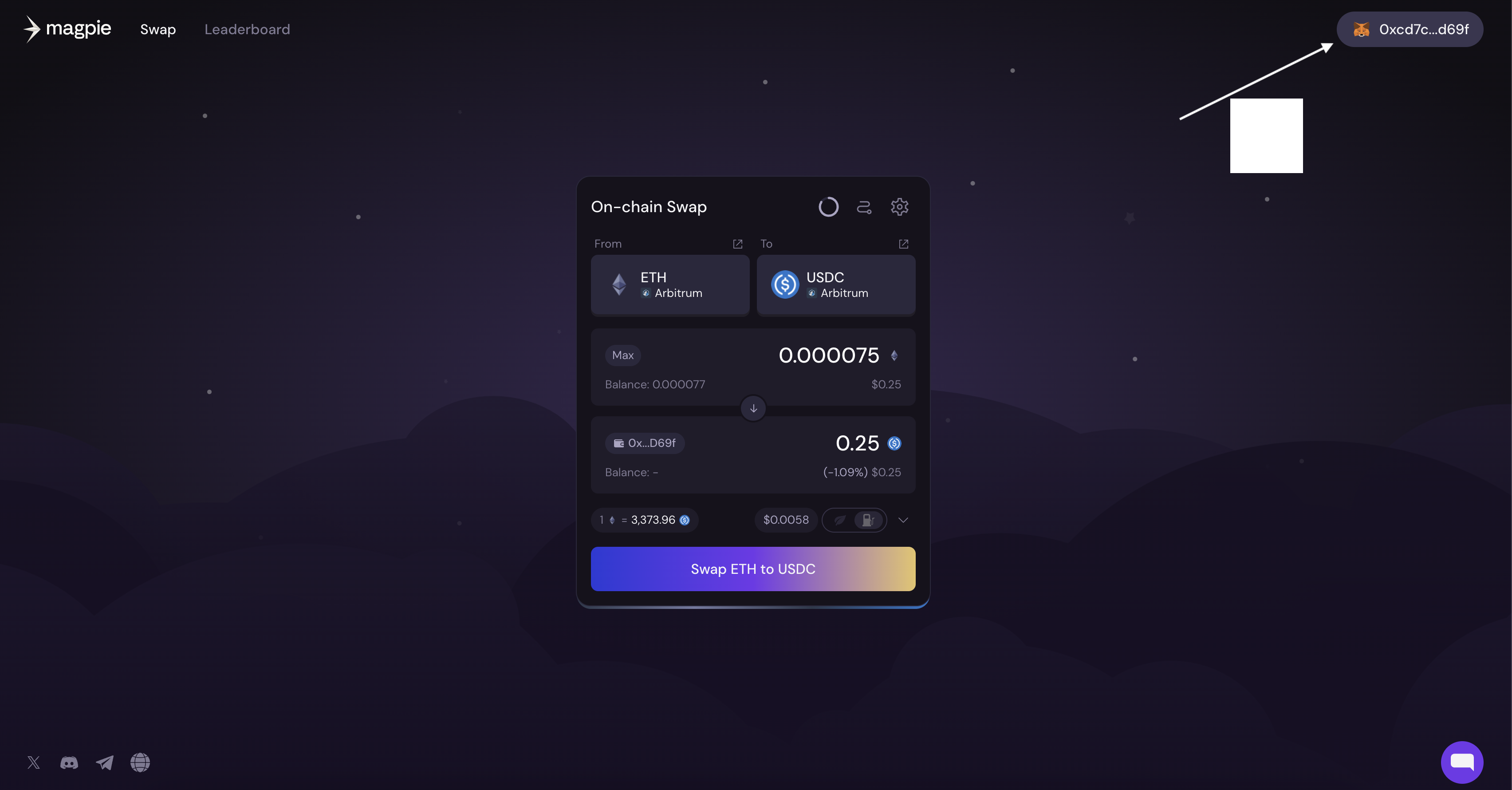
To Check your transaction history, click on the wallet icon with your address in the upper right hand corner of the webpage.
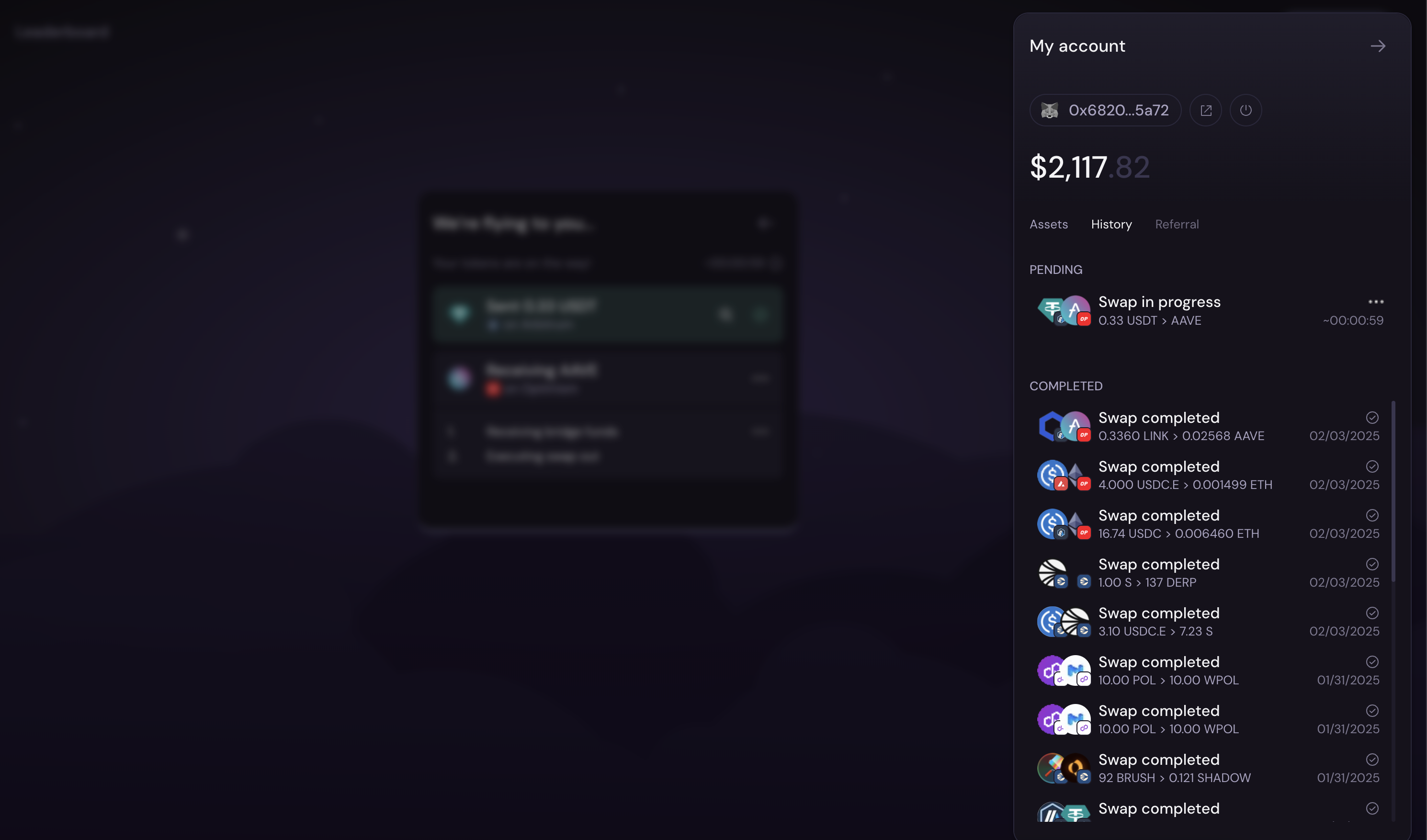
This will bring up the sidebar where you can click where it says 'History' in order to see the transaction history. You will be able to see pending and completed swaps, as well as an easy to read icons to quickly tell which tokens were swapped, which chain it was on, and the date of transaction.
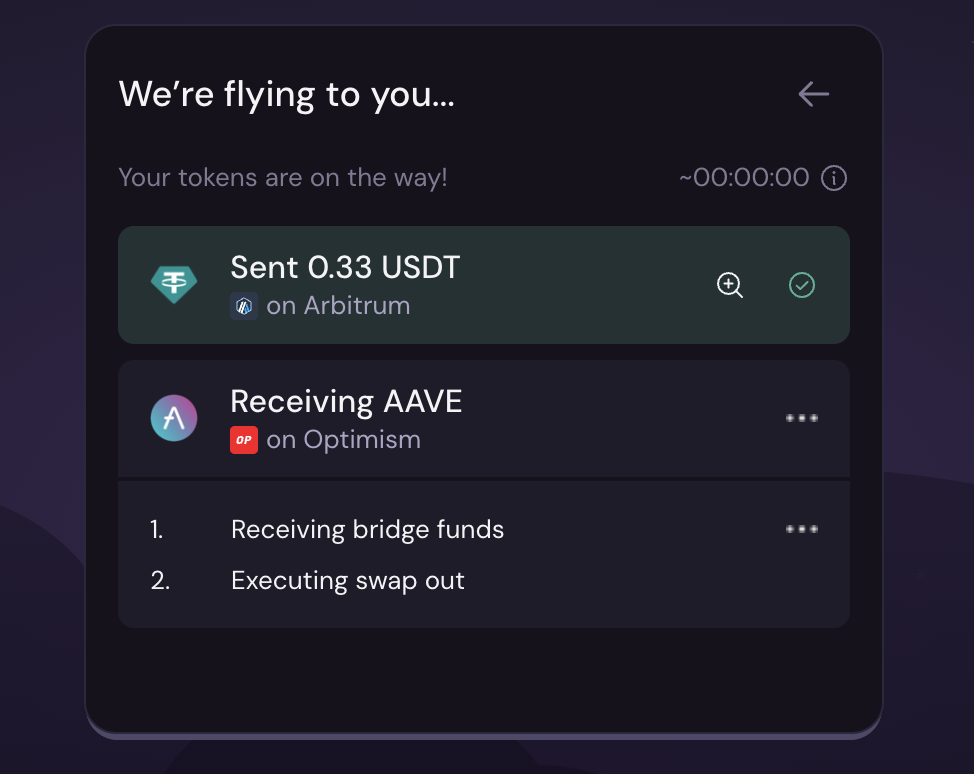
If you click on the transaction, it will allow you to view the transaction on the block explorer.