# Swap configuration

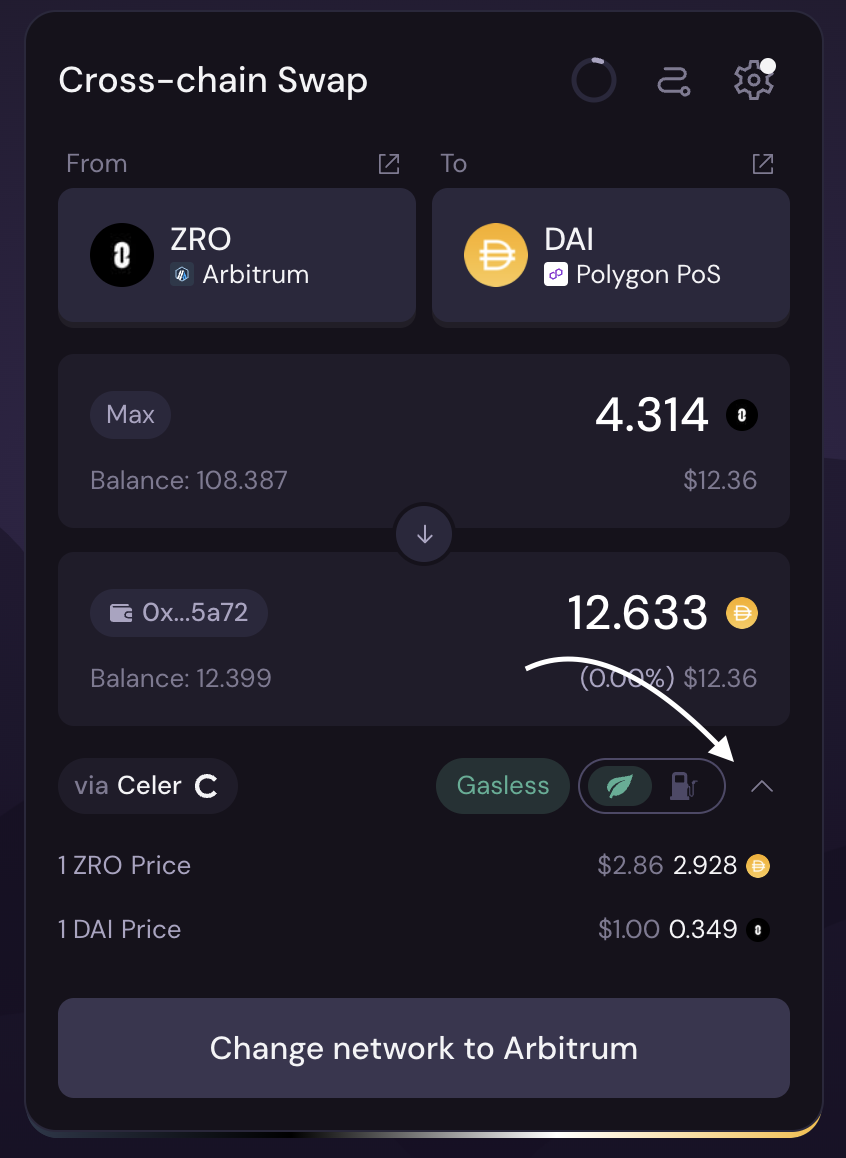
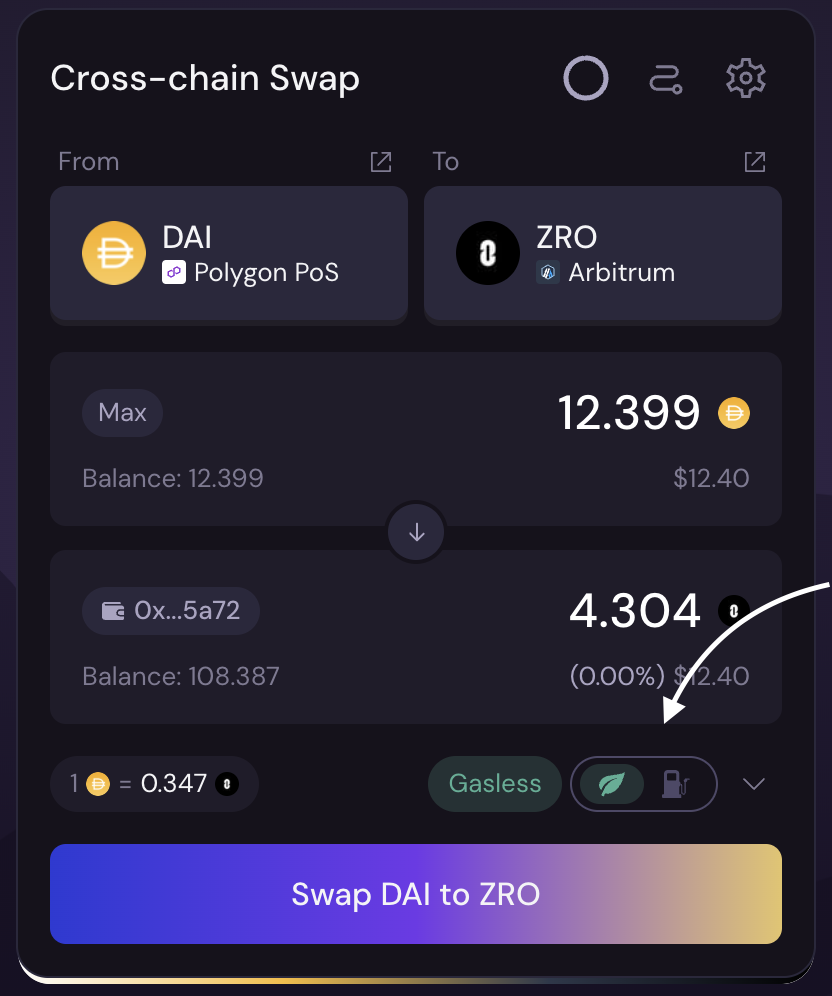
**Gasless feature** :&#x20;

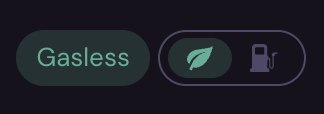
fly.trade executes the transaction on behalf of the user, covering the gas fees, so the user doesn’t need to hold or pay gas in the native currency.

<figure><img src="/files/Xe1ymqD3Mu5toD1pEpdF" alt="" width="375"><figcaption></figcaption></figure>

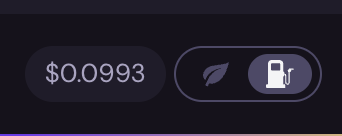
This feature has two states - ON and OFF:&#x20;

* When the feature is turned **ON** – the gas fee is charged from the **Selected token.**

<figure><img src="/files/0gXkiVtKD8wKwln5XC3M" alt=""><figcaption></figcaption></figure>

* When the feature is turned **OFF** – the fee is charged from the **Native token.**

<figure><img src="/files/doZJNefDxFcNHxZLQfiH" alt=""><figcaption></figcaption></figure>

**Setting menu:**

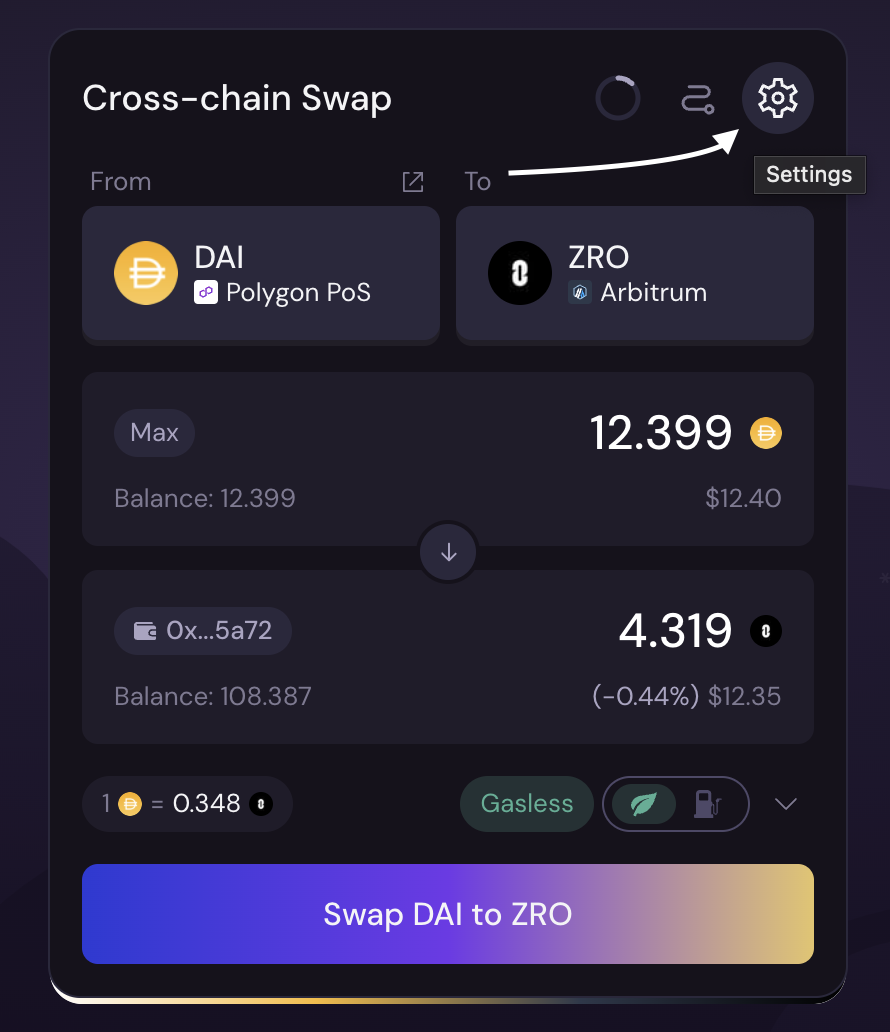
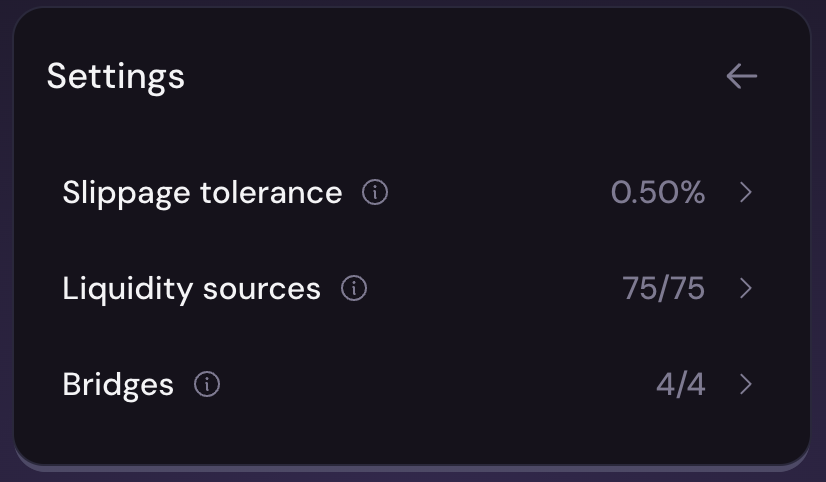
In the **settings**, you can adjust parameters such as Slippage Tolerance, Liquidity Sources, and Bridges.

<figure><img src="/files/juR9J42oYpCgQNJCieev" alt="" width="375"><figcaption></figcaption></figure>

<figure><img src="/files/aCcpEl1xnyhQialsFGwZ" alt="" width="375"><figcaption></figcaption></figure>

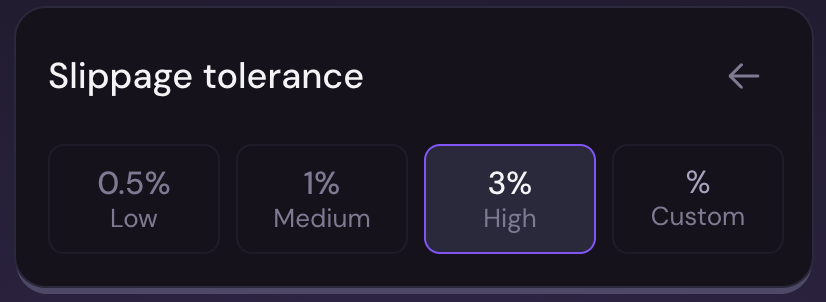
* **Slippage tolerance:**&#x20;

  Allows you to set slippage tolerance that sets a limit on how much the price of an asset can change during your trade execution.

<figure><img src="/files/HhaFbusA1oEcylHIvy8U" alt="" width="375"><figcaption></figcaption></figure>

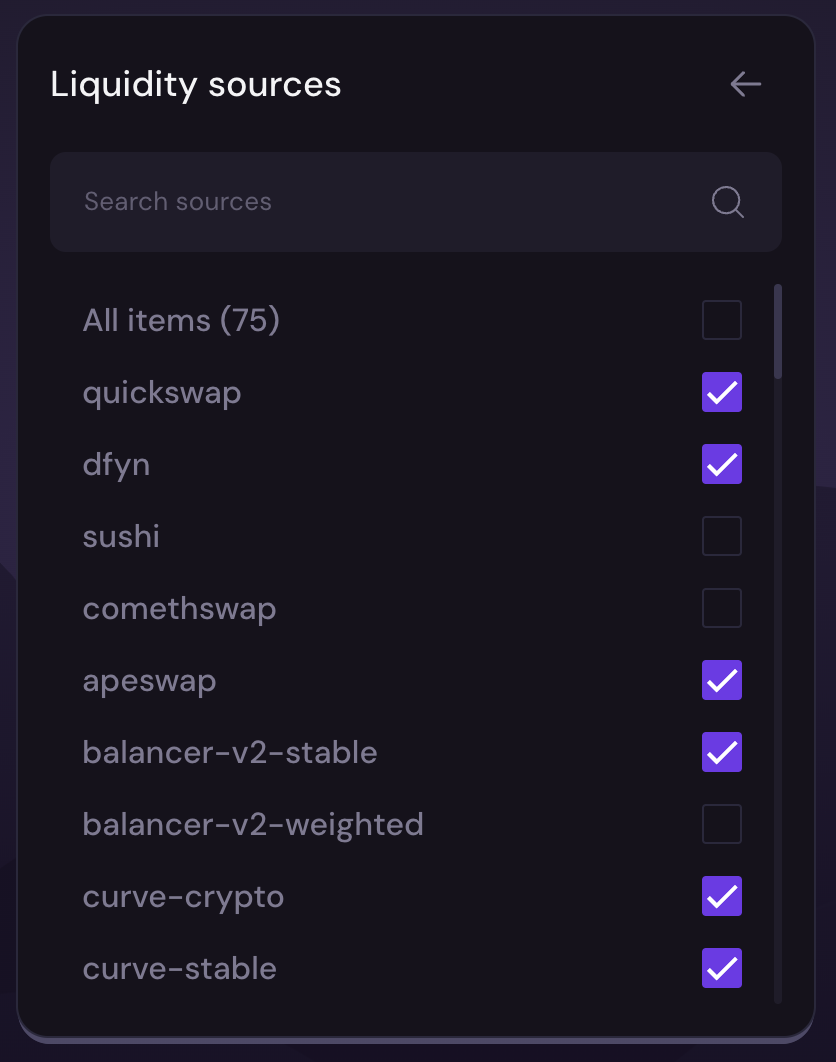
* **Liquidity sources:**

  Allows you to enable or disable liquidity sources that are supported on the connected chain.<br>

<figure><img src="/files/H3bAfj4LRreMf6OU5F7n" alt="" width="375"><figcaption></figcaption></figure>

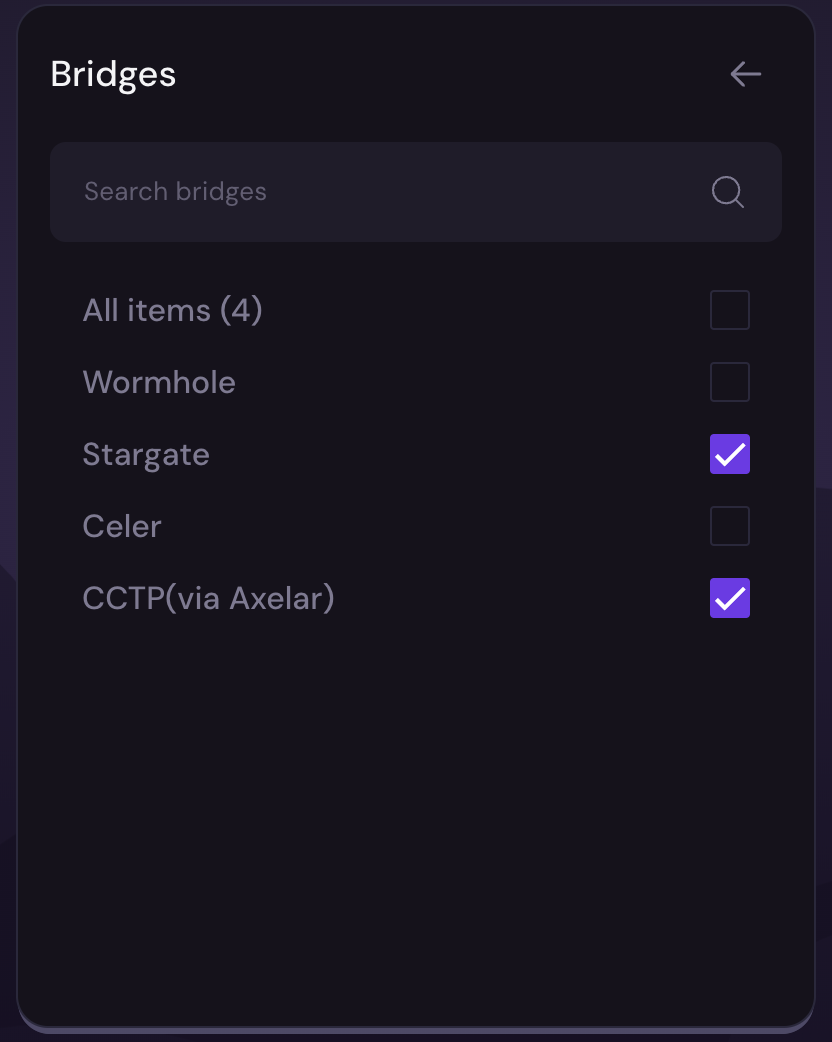
* **Bridges:**

  Allows you to enable or disable the supported bridges.

<figure><img src="/files/hCkXWXnGMInF6t8GFtgO" alt="" width="375"><figcaption></figcaption></figure>

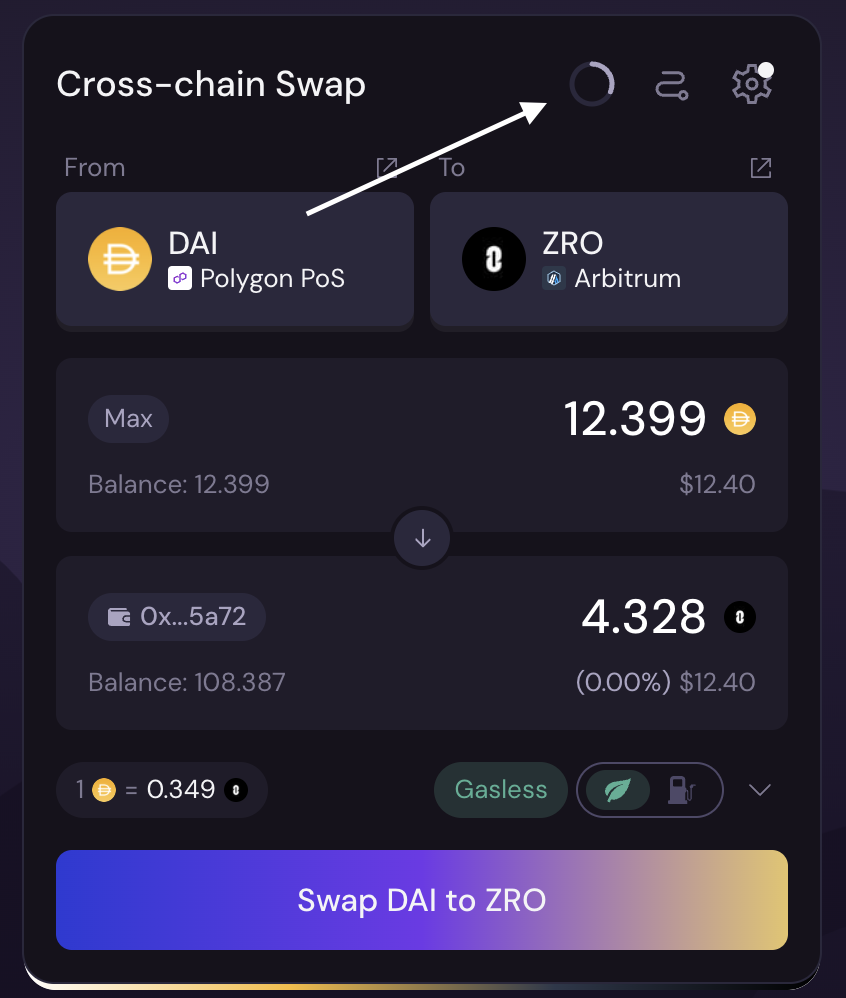
**Update quote :**&#x20;

Allows you to refresh the quote and get the latest prices.

<figure><img src="/files/Z5RephfIT93U2QtwYsSn" alt="" width="375"><figcaption></figcaption></figure>

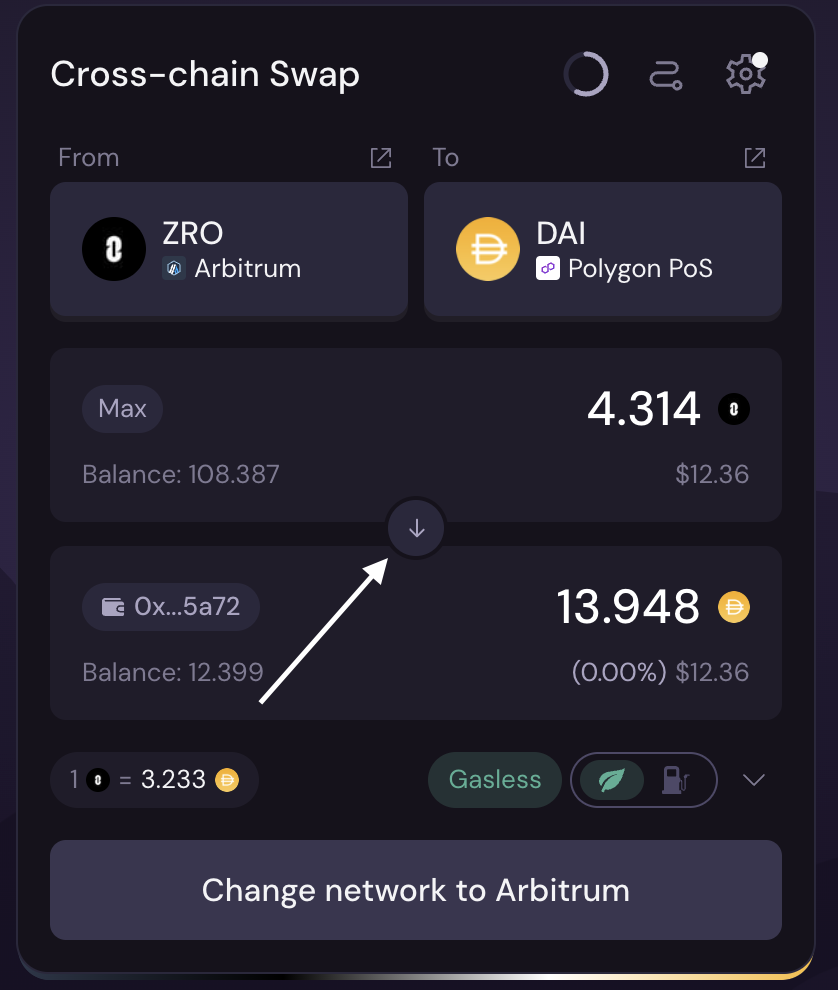
**Switch From - To - From asset** :&#x20;

**Switch the "From" and "To" tokens (also switches networks).**

<figure><img src="/files/dpydyVJpSa0ZuSMzjNsV" alt="" width="375"><figcaption></figcaption></figure>

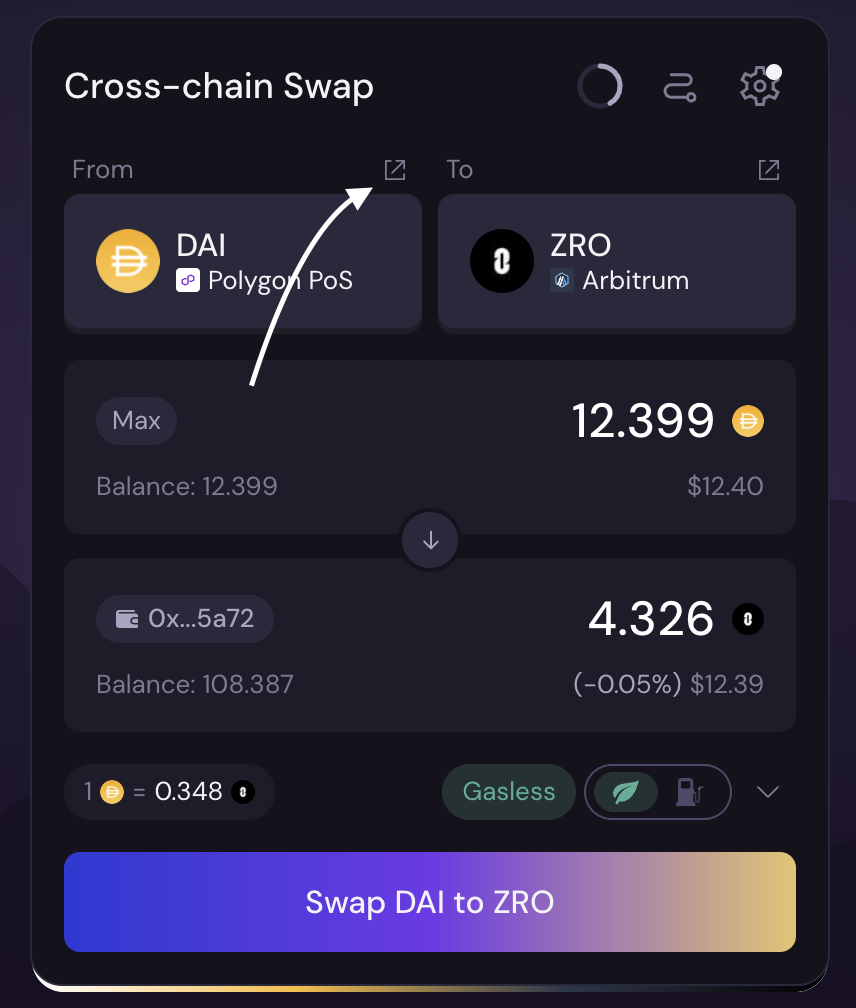
**Explorer link :**&#x20;

Redirects to the selected token's explorer.

<figure><img src="/files/fEcAms53CTABa2RbQNHO" alt="" width="375"><figcaption></figcaption></figure>

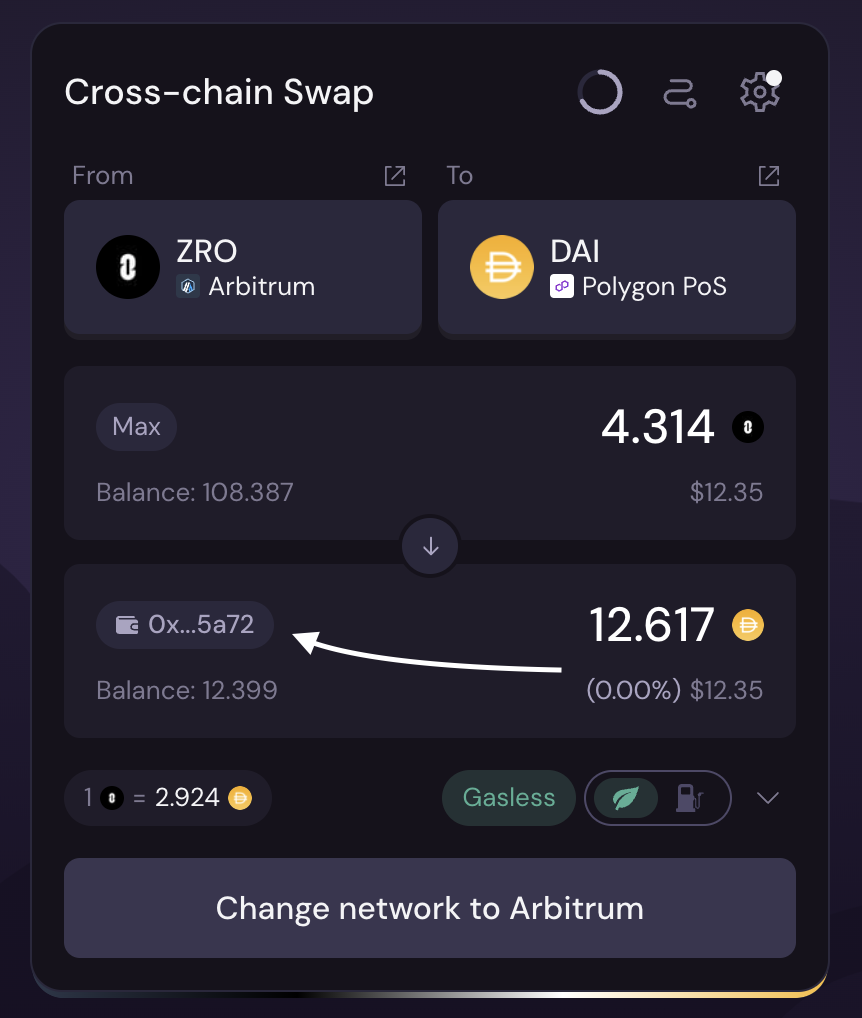
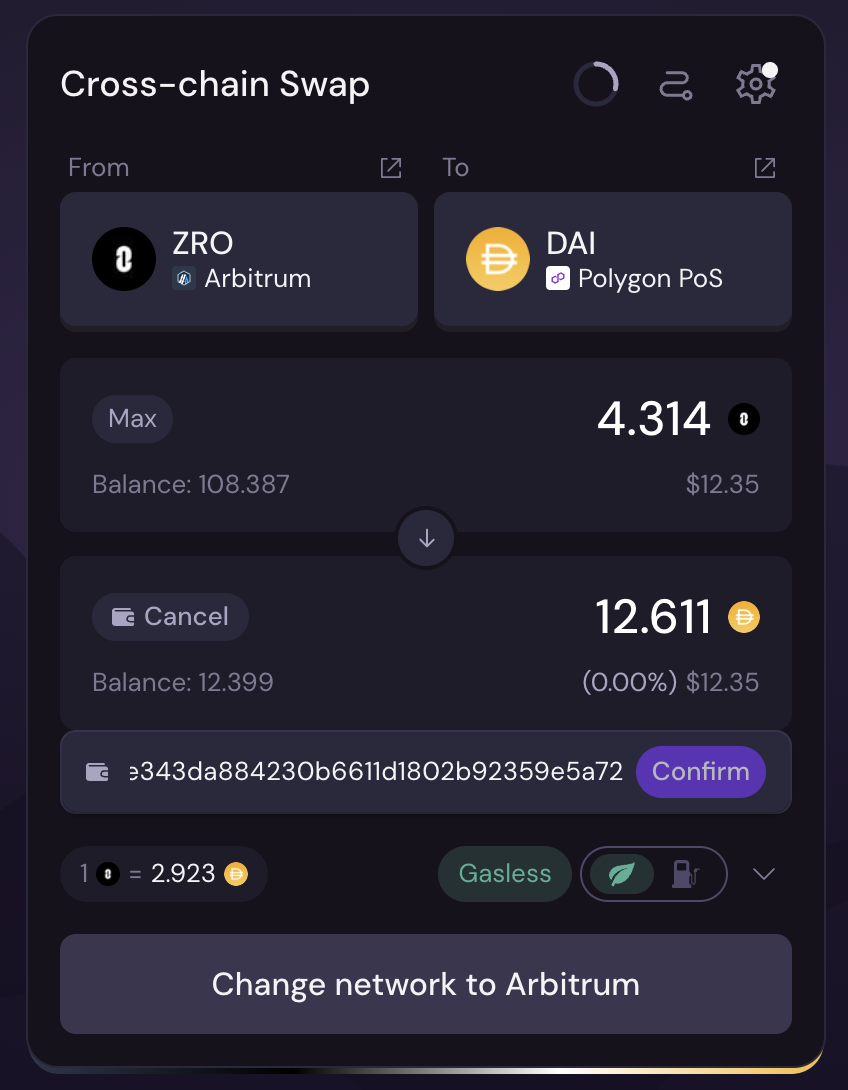
**Update recipient's wallet address:**\
You can change the address to which the funds will be sent.

<figure><img src="/files/3mdXupI8gvuVMH76dDjK" alt="" width="375"><figcaption></figcaption></figure>

<figure><img src="/files/9OVYN3DqD2nD09GvqsjQ" alt="" width="375"><figcaption></figcaption></figure>

**More transaction information:**

Here you can see more details about your transaction

<figure><img src="/files/UmnvMouf8k3WNwT0VoRm" alt="" width="375"><figcaption></figcaption></figure>

That's all for now, thanks for using fly! :tada:

---

# Agent Instructions: Querying This Documentation

If you need additional information that is not directly available in this page, you can query the documentation dynamically by asking a question.

Perform an HTTP GET request on the current page URL with the `ask` query parameter:

```
GET https://docs.fly.trade/flycn/guides/swap-configuration.md?ask=<question>
```

The question should be specific, self-contained, and written in natural language.
The response will contain a direct answer to the question and relevant excerpts and sources from the documentation.

Use this mechanism when the answer is not explicitly present in the current page, you need clarification or additional context, or you want to retrieve related documentation sections.