> For the complete documentation index, see [llms.txt](https://docs.fly.trade/llms.txt). Markdown versions of documentation pages are available by appending `.md` to page URLs; this page is available as [Markdown](https://docs.fly.trade/flycn/guides/portfolio.md).
# Portfolio
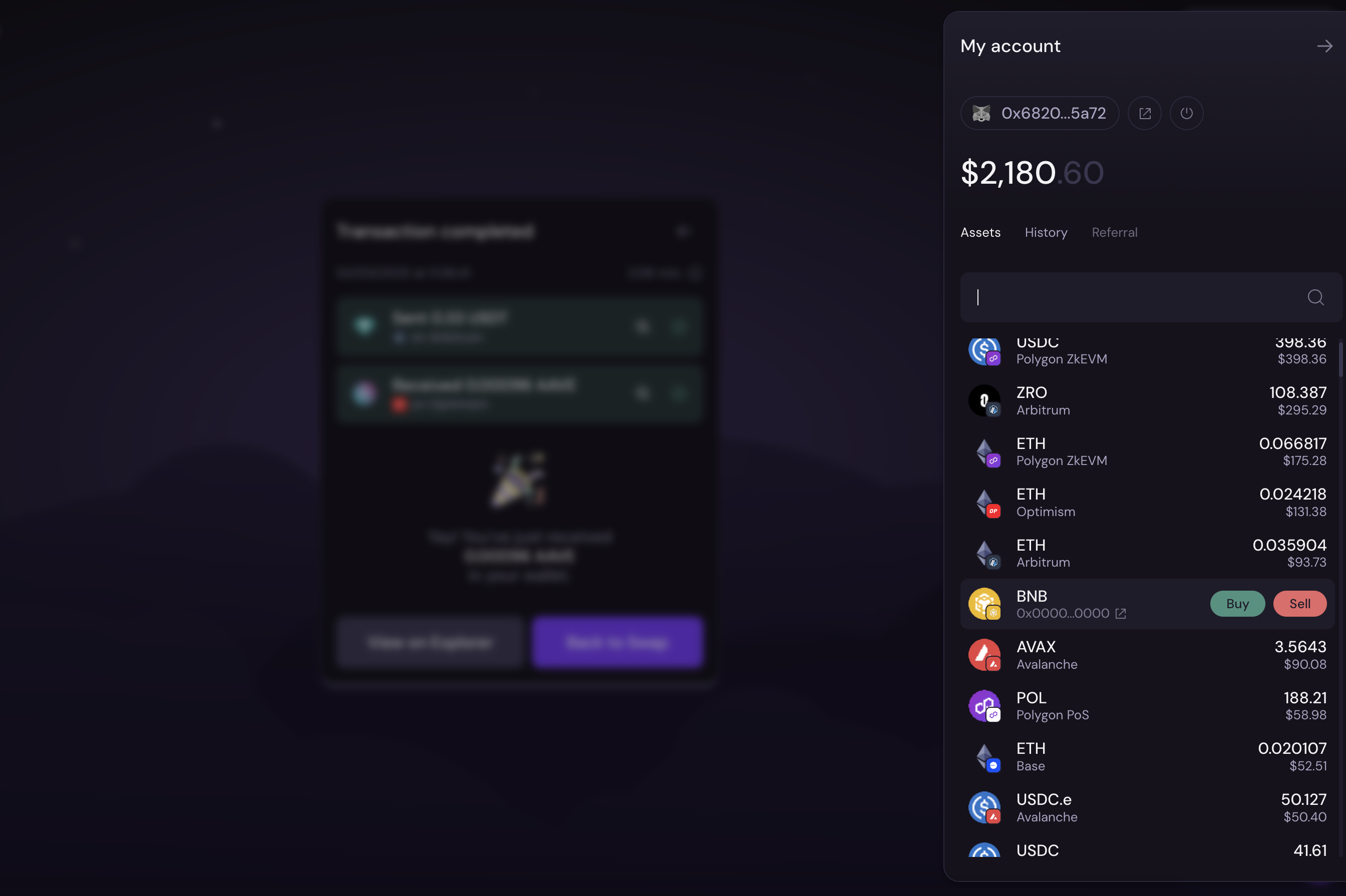
This feature will show you your assets across all of the fly connected chains from the wallet you have connected to the fly.trade dApp.
It's incredibly easy to check your assets with the fly Sidebar!
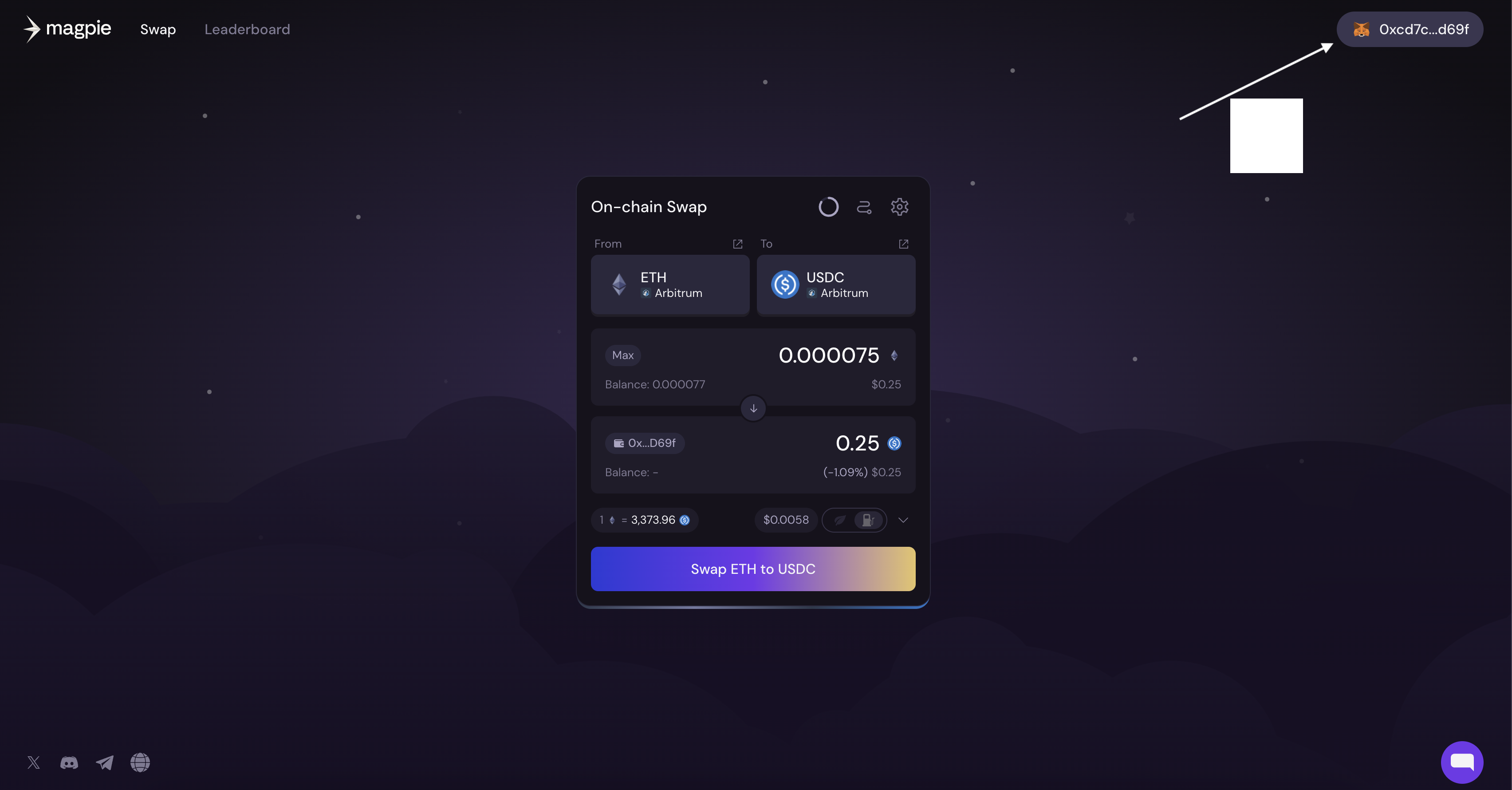
Click on the wallet icon in the upper right hand corner as seen below.
Click on 'Assets' on the left side to see which assets you have on which chains. If you want to buy or sell more of an asset, simply hover over it and click 'Buy' or 'Sell'