> For the complete documentation index, see [llms.txt](https://docs.fly.trade/llms.txt). Markdown versions of documentation pages are available by appending `.md` to page URLs; this page is available as [Markdown](https://docs.fly.trade/flycn/guides/on-chain-swap.md).
# On-Chain Swap
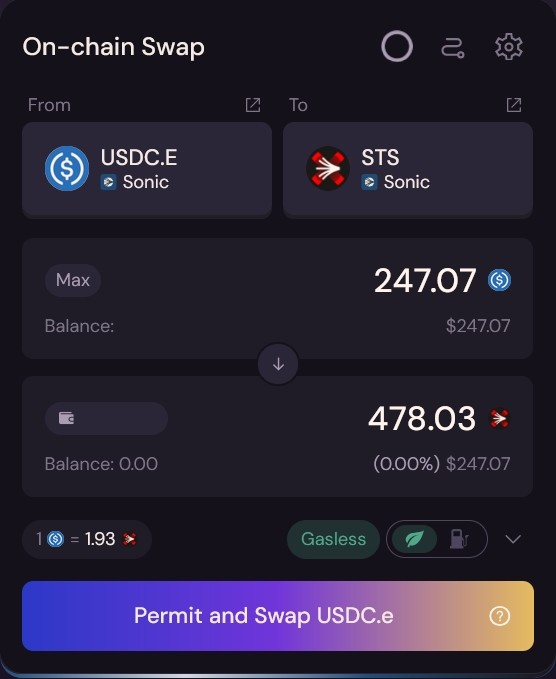
Here we will provide you with a step-by-step set of instructions to swap tokens on the same chain using the fly.trade app.
Click under the 'From' field where the cursor shows in the below image in order to select the chain and token. In this example, we are going to swap USDC.E on Sonic to the STS token.
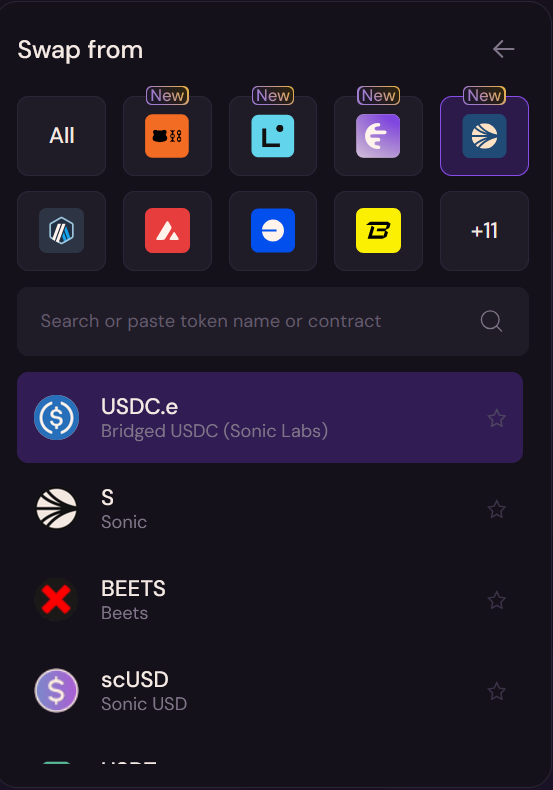
Once you've clicked the 'From' field, you'll see the following, where you can select a network and token you would like to swap. If the stS token isn't near the top of the list for you, you can use the search field to find the token. We'll be selecting the Sonic Chain and USDC.e token for this example.
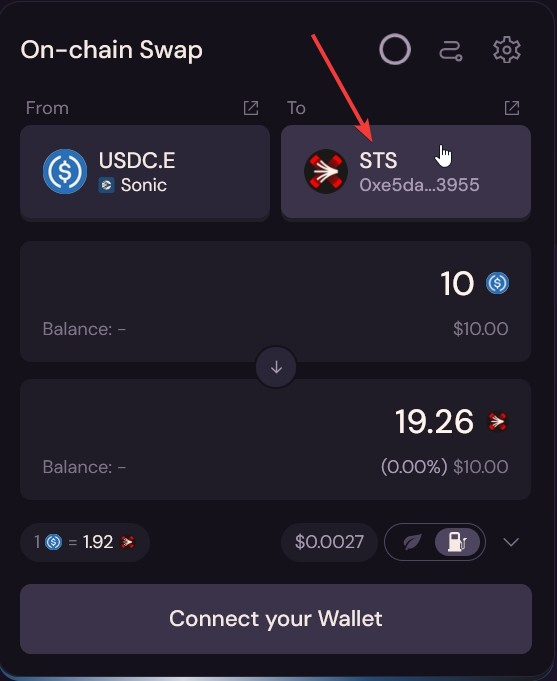
In the app, you'll now click on the field below the 'To' in order to select the destination chain and token.
As this is an on-chain swap, select the Sonic network and the STS token.
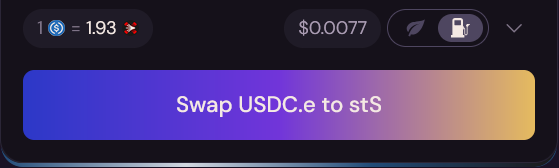
Once you have selected the pair and amount, click "Swap USDC.e to stS." Note: the gas tank icon can be clicked to select the option to use the blockchains native gas token for the transactions, and the leaf icon can be selected to use fly.trade's gasless feature, which will use they token you are swapping to pay for the gas, just in case you do not have the native gas token.
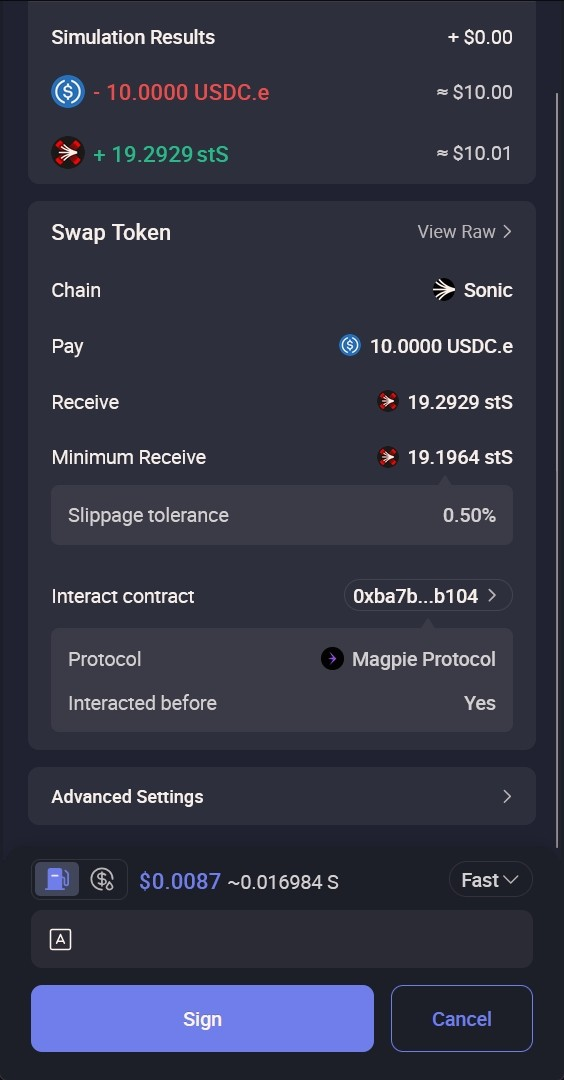
After clicking 'Swap,' your wallet will prompt you to confirm the transaction with an estimated gas fee. Here is where you can adjust the amount of gas you want to spend if that is something you're comfortable with, but most people leave it at the suggested amount.
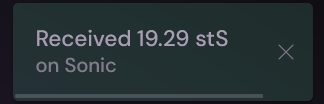
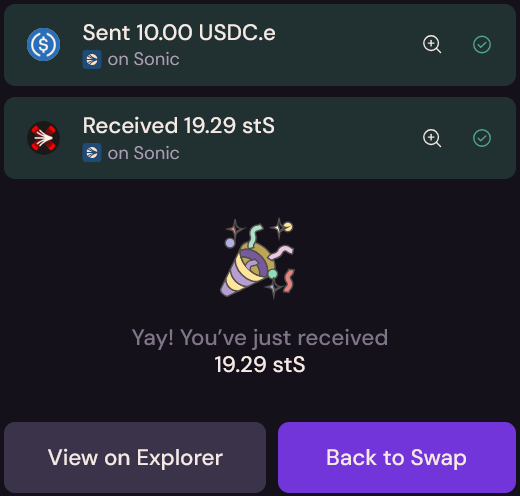
After 'Confirming' the transaction, just wait a bit and you can either click on the bar that appears once the swap is completed in the upper right of the screen, or you can click on the Wallet icon in the upper right of the web page to bring up the sidebar and select your history to view all previous transactions.
You've just completed your first swap through fly.trade!