> For the complete documentation index, see [llms.txt](https://docs.fly.trade/llms.txt). Markdown versions of documentation pages are available by appending `.md` to page URLs; this page is available as [Markdown](https://docs.fly.trade/flycn/guides/connect-wallet.md).
# Connect Wallet
Step-by-step guide to connecting your wallet to fly trade, enabling secure and efficient access to DeFi trading features.
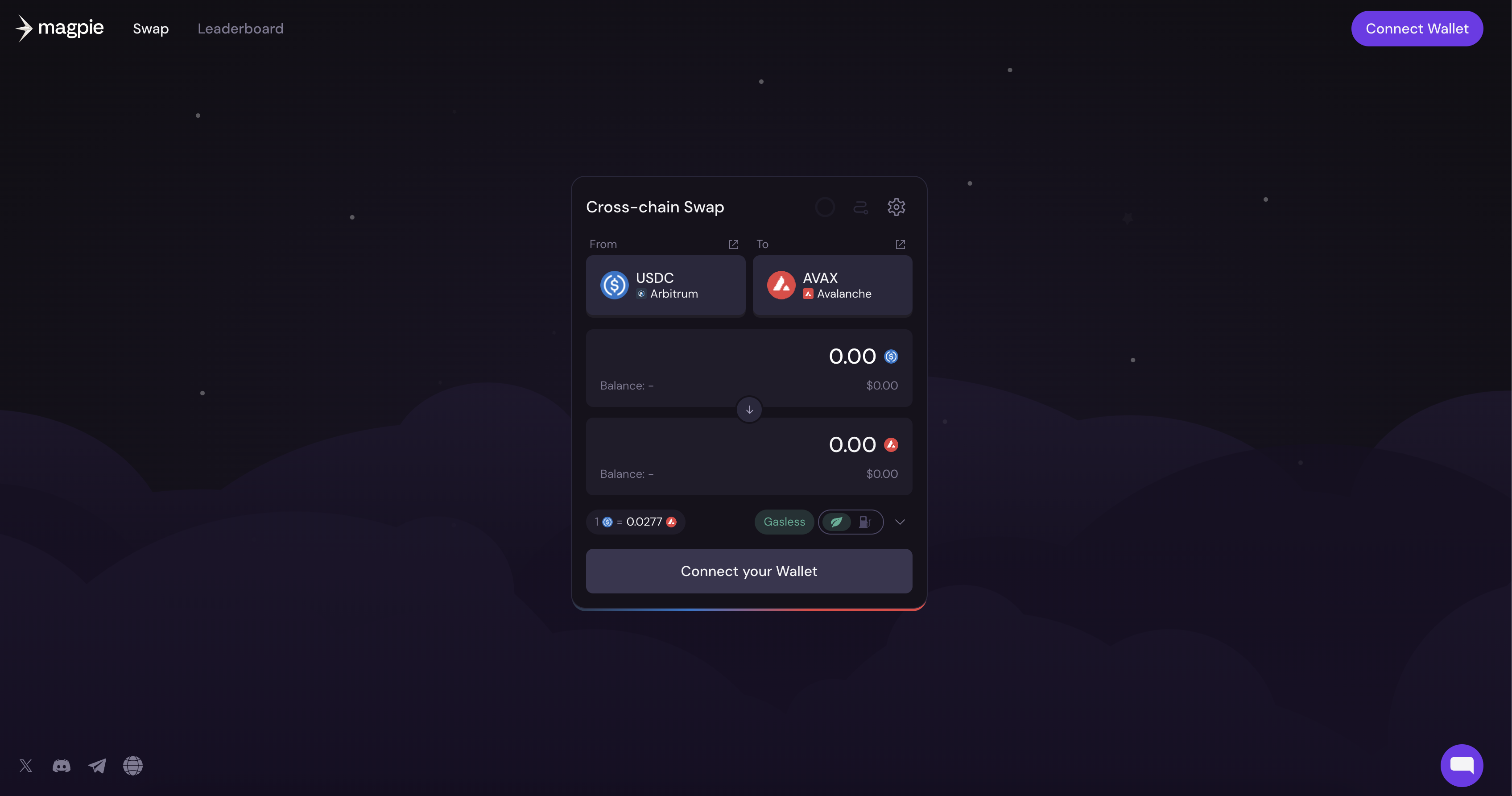
On the fly.trade website, one can connect a wallet by clicking on the "Connect the wallet" button located in the top right corner or in the swap menu.
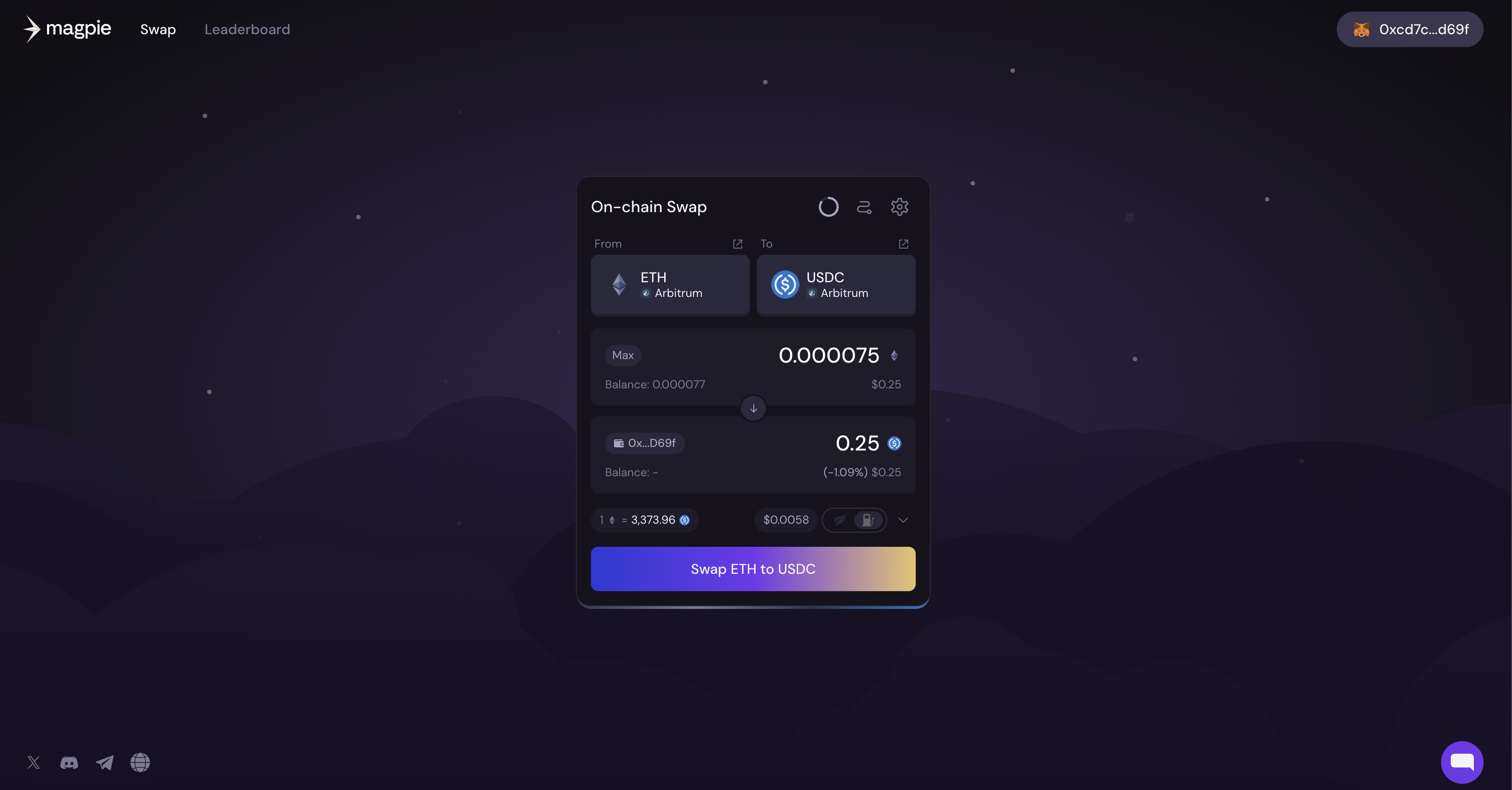
Once the wallet is connected, the user can find their wallet address getting displayed on the top right of the screen.
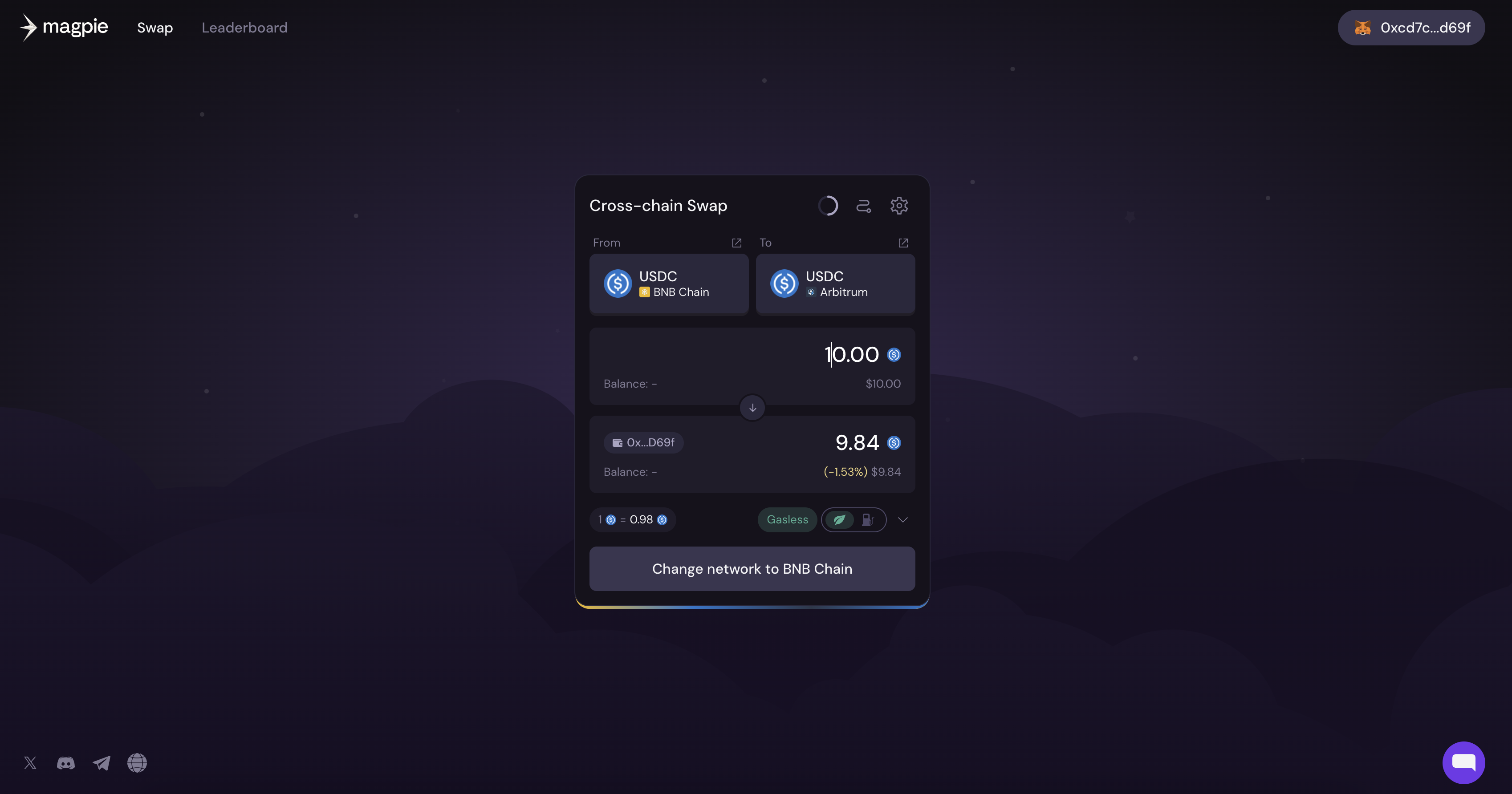
If the current network of the wallet and the chosen network on the swap page do not match, then the button at the end of the swap activity box displays "Change Network To \"